3-Day Free Trial
Free Experience
Start by feeling the value of Nowclock as a full-screen desk clock.
- Large full-screen time
- Date display
- Keep screen awake
- 2 free themes
Not just a desk clock. A meeting-aware calendar clock.
Made for meeting rooms, desks, home offices, bedside setups, and focus spaces.
I'm used to planning my full day with a calendar, but frequently switching windows to confirm 'what's next' severely interfered with my work flow. As an ADHD developer, I know how much this confirmation anxiety hurts focus.
That's why I created Nowclock—it automatically syncs your calendar and generates a visual progress bar on a large iPad clock, letting you perceive your daily rhythm at a glance and stay immersed in the now.
Because what you need is rarely a bigger number. You need time and schedule to live in the same field of view.
The calendar is hidden in another app, and the clock sits in a corner. By the time you notice, the room is already drifting.
An idle iPad can sit on a desk all day, but most clock apps are either too decorative or too shallow to deserve that space.
What many people need is the middle ground: calm, ambient, but still operationally useful.
Nowclock is designed to reduce calendar-checking behavior, not add more UI chores to your day.
After permission is granted, current and upcoming events are loaded automatically.
Show only work, study, or family calendars to keep the screen clean.
Large time and event progress remain visible from a distance.
You get a softer buffer for transitions, summaries, and room changes.
Instead of cramming in everything, Nowclock focuses on the few capabilities worth keeping on-screen all day.
Readable at a distance, ideal for desks, shared rooms, and always-on setups.
Your current event and next event live beside the time, not hidden in another app.
Remaining time becomes visual. You can feel the pace of a meeting instead of checking timestamps.
Choose 1, 5, or 10 minutes ahead so meetings and work blocks can land more gracefully.
2 free themes, 12 in total after upgrade, from Muji and Bauhaus to Dunhuang and Ink Wash Zen.
Calendar data is read and displayed on-device. No account, no server upload, no unnecessary sync layer.
Nowclock works best in environments where you repeatedly glance up for time context.
Everyone can see how much time is left without the host constantly interrupting the flow.
Keep your iPad beside your main display so the current time and event status are always visible.
Use it as an ambient full-screen clock with more intent than a generic wallpaper clock.
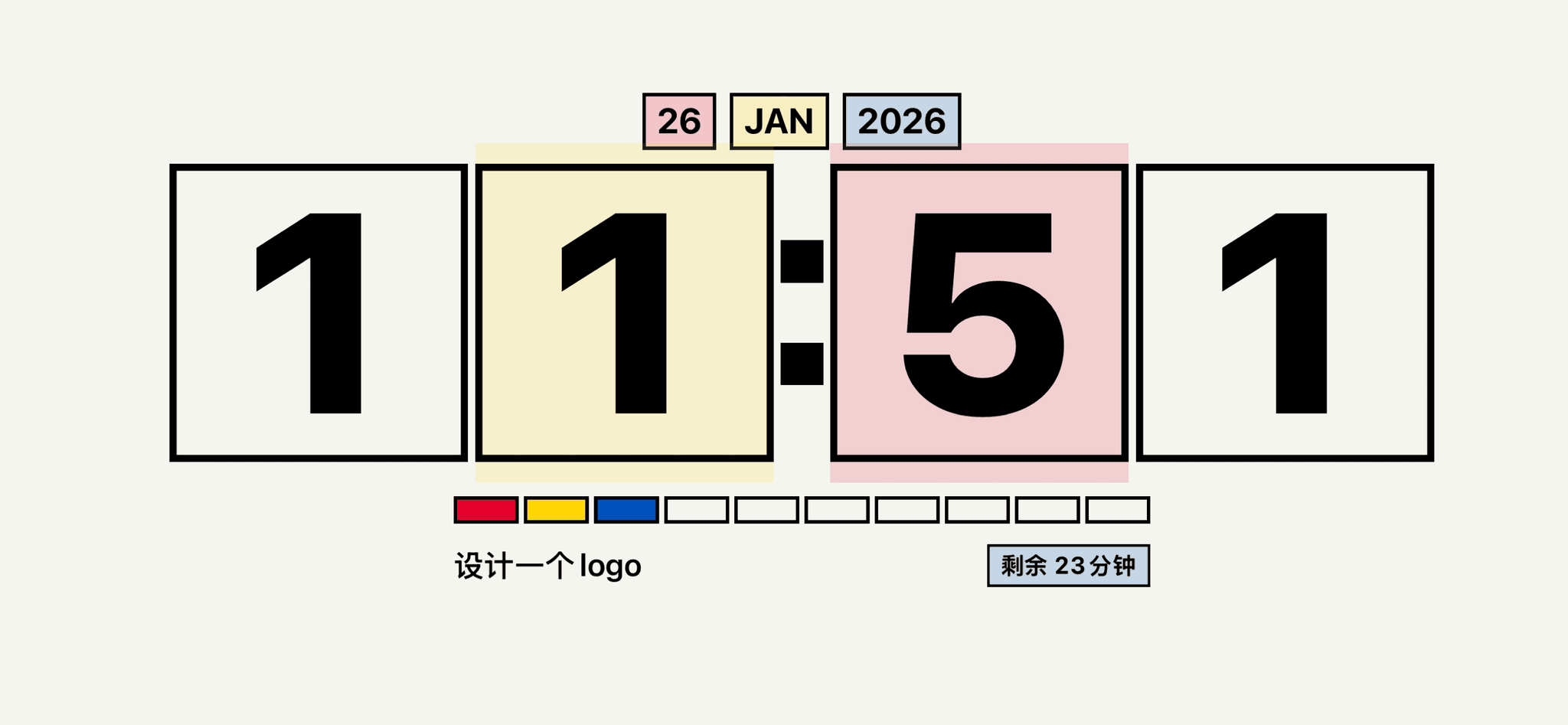
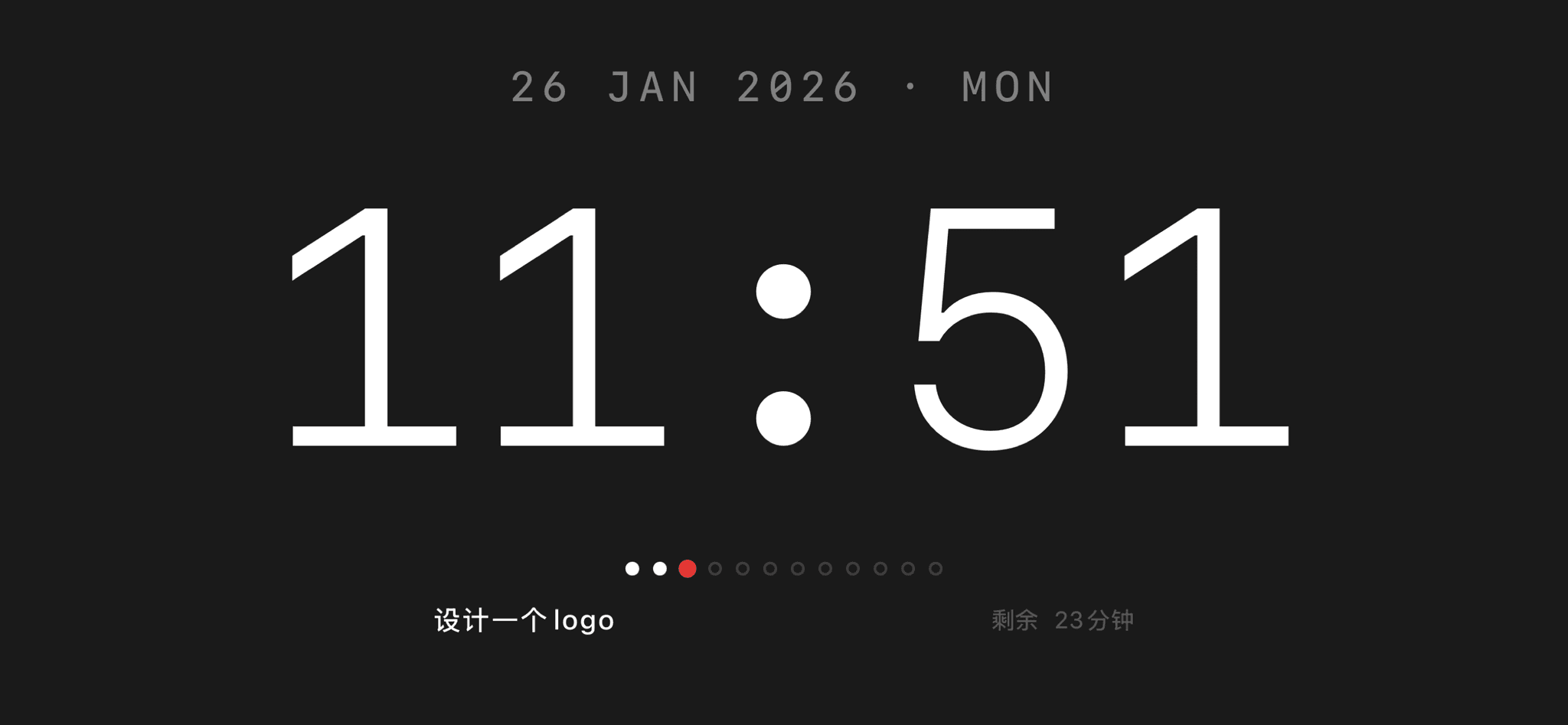
Themes in Nowclock are not simple recolors. Each one redefines typography, background mood, and progress language.
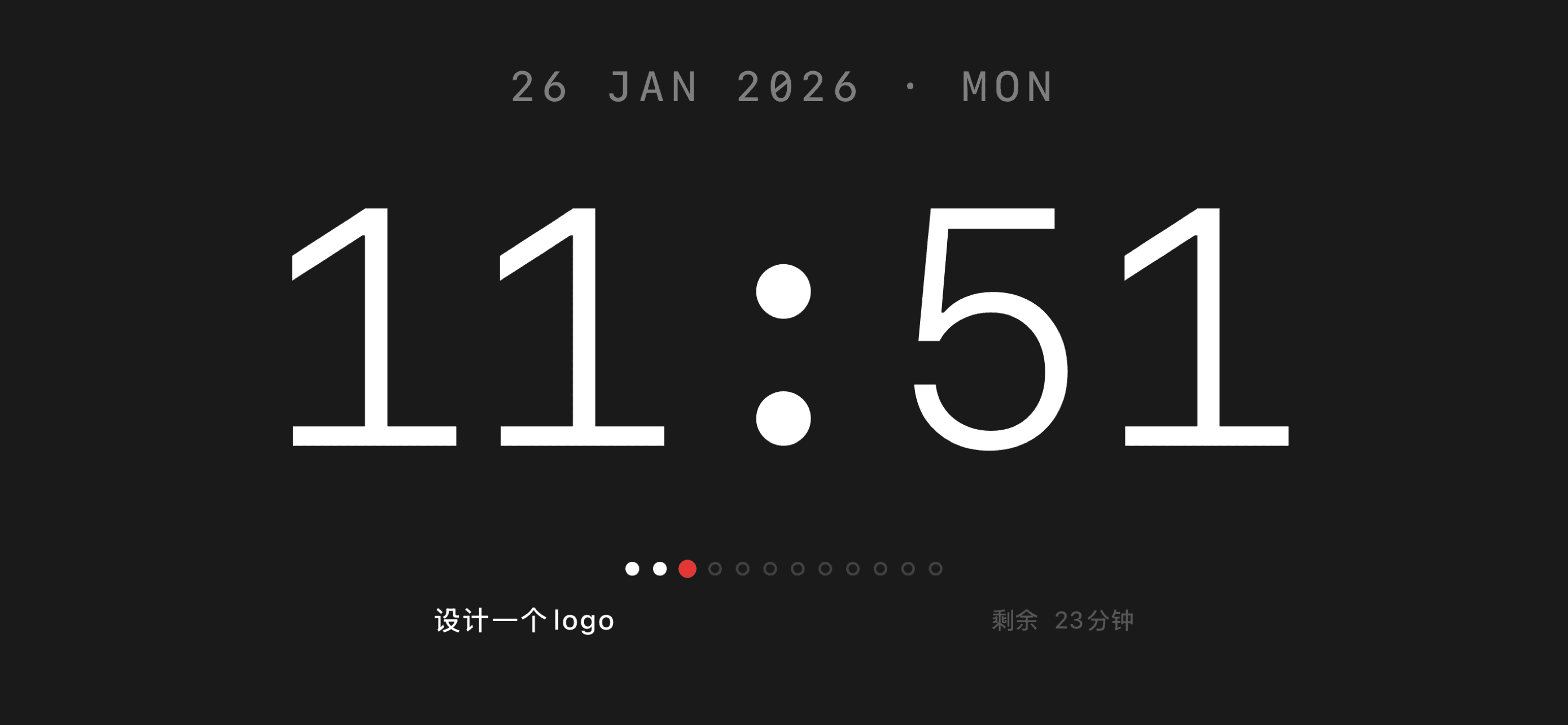
You can shift the same time interface from minimalist utility to art-driven atmosphere.
2 themes are free. Upgrade unlocks all 12 themes and the full schedule-aware experience.
The same product can feel radically different depending on the theme you choose.
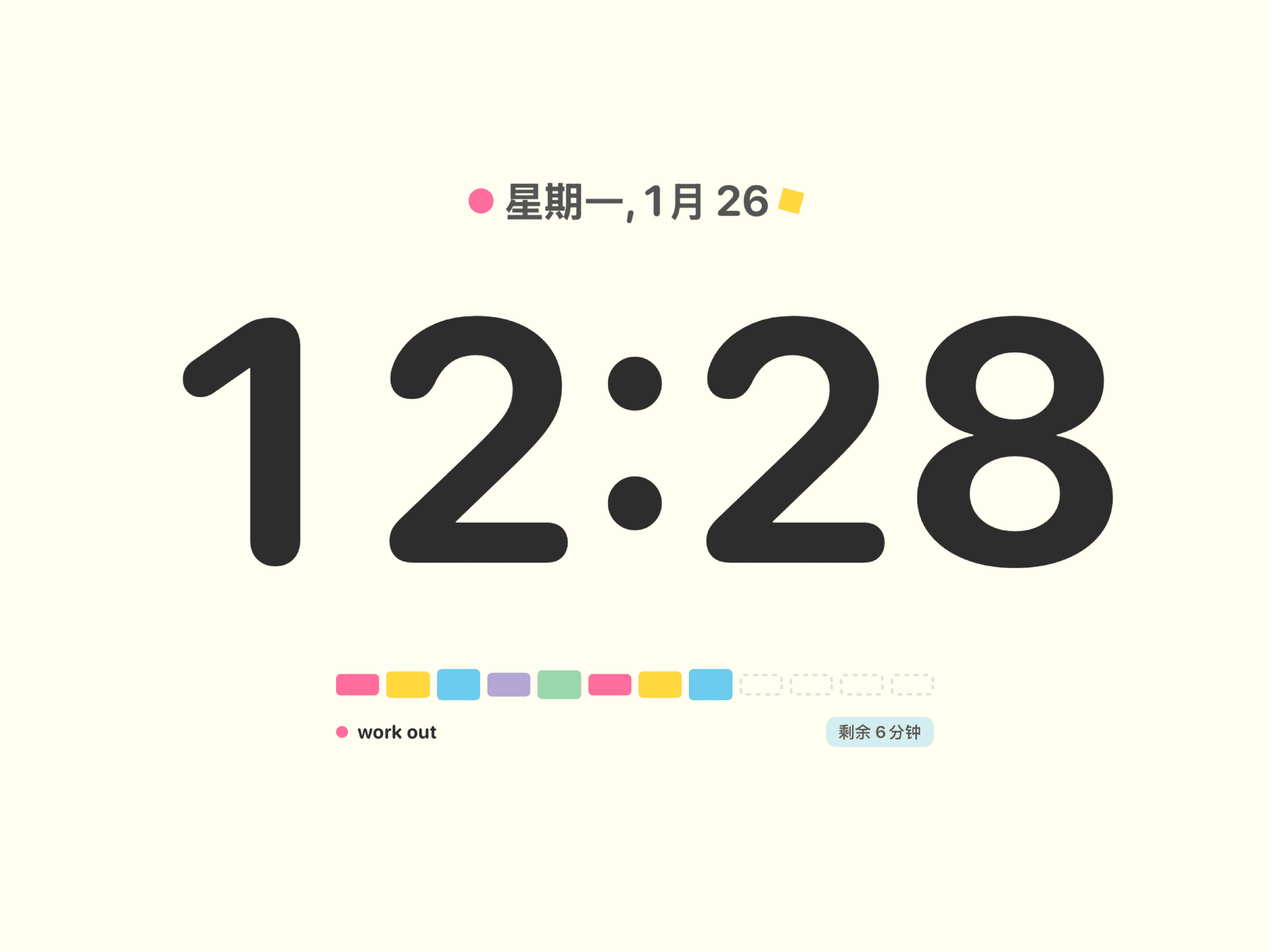
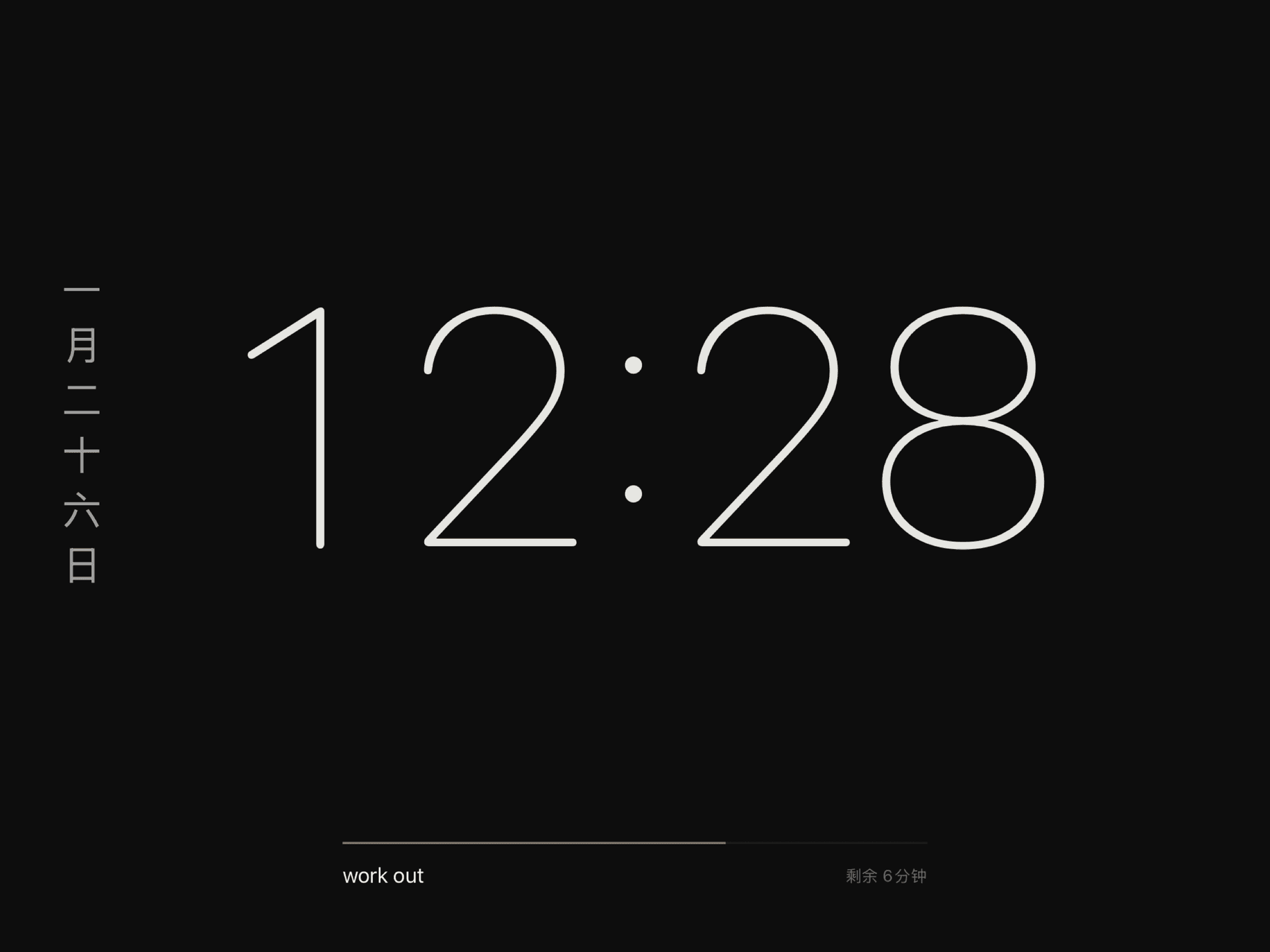
Pricing below comes from the current project configuration. The logic is simple: start free, then choose the level that fits your frequency of use.
Start by feeling the value of Nowclock as a full-screen desk clock.
Turn it from a beautiful clock into a schedule-aware time dashboard.
Best for short-term trials and light use
Best overall value for daily desk use
One purchase, all features unlocked forever
Schedule data is personal, so the boundary should be obvious.
The most important things to confirm before downloading.
The core experience is designed for iPad in landscape mode, especially for desks, meeting rooms, and always-on ambient setups.
Yes. Without calendar access it still works as a high-quality full-screen clock, but event sync, progress, and reminders stay disabled.
Free is enough to feel the clock and the aesthetic. If you want Nowclock to replace a desk-side schedule view, Pro is where the real value shows up.
No. Based on the current code and product materials, calendar data is read and displayed locally on-device.
Yes. The large clock and event progress are readable from a distance, which makes it useful as a room-wide timing surface.
That is still a valid use case. Themes in Nowclock reshape the entire visual language, not just the accent color.
If you already glance at the clock all day during work, meetings, or study, Nowclock gives that glance more context.
Download on the App Store3-day free trial, then monthly, yearly, or lifetime options.